Two producers,
one studio.
Share your Live session with a collaborator anywhere. They see your screen in full clarity, hear the project in full-range stereo, talk to you over a separate voice channel, and take the controls only when you hand them over.
Free Vaylo account to download and join sessions. Hosting needs a plan.

Your session, on their screen.
The host shares one Ableton Live window: just that window, never the whole desktop. The collaborator watches it live and, once you grant control, works in it with their own mouse and keyboard. Your own mouse and keyboard always win, and Ctrl + Alt + Shift + Backspace takes control back instantly.
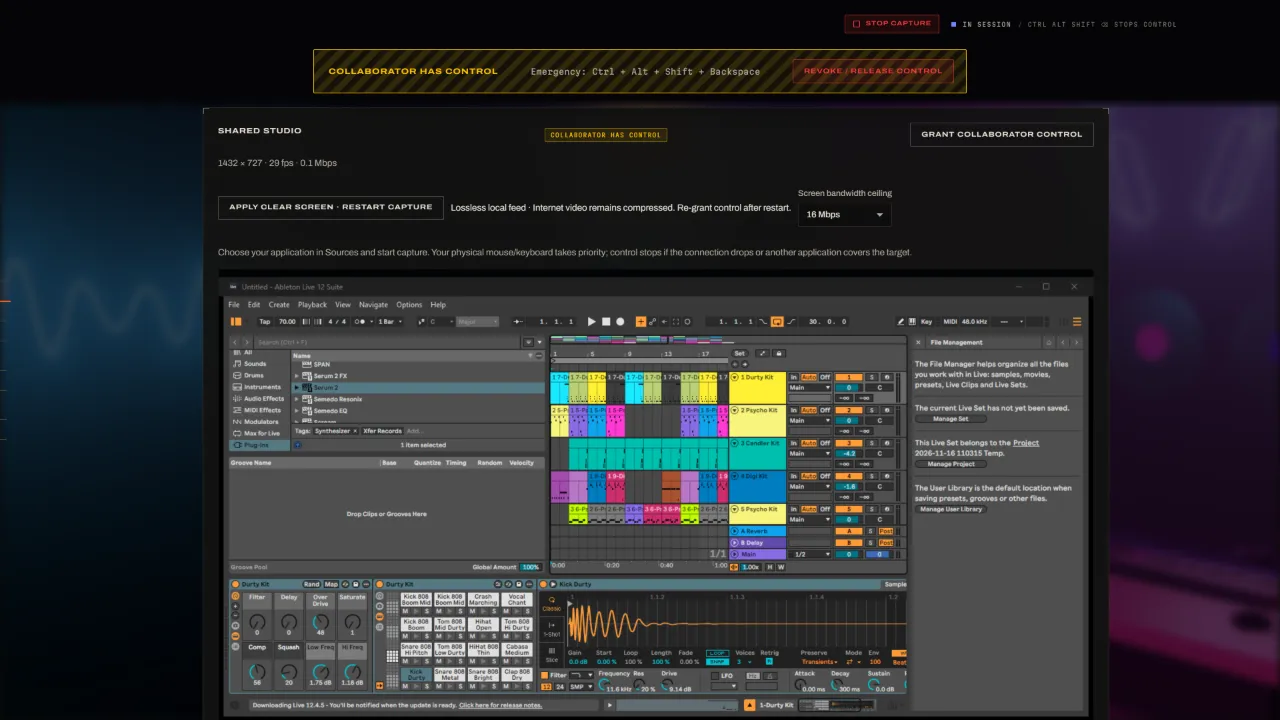
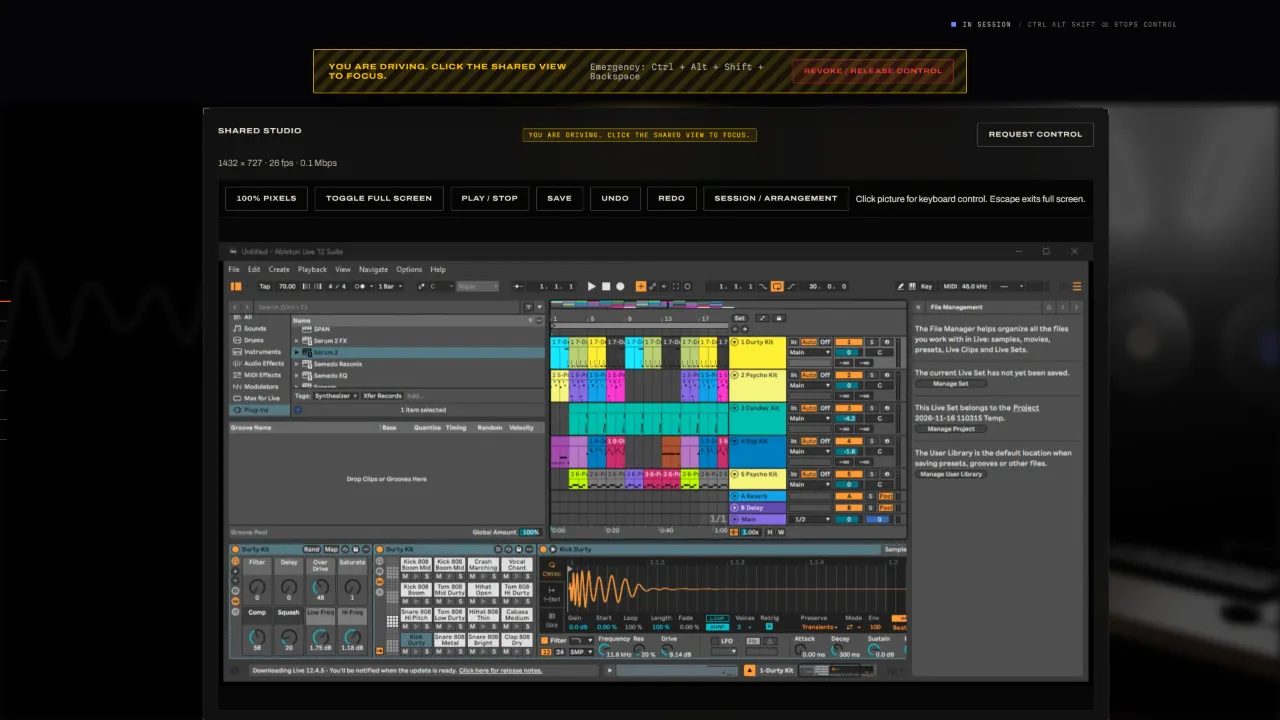
Built for a real session.


Three steps to the same room.
Host
Open Live, choose its window in Vaylo Co-Studio and press Host. You get a room code to send to your collaborator.
Join
Your collaborator signs in with a free Vaylo account, presses Join and enters the code. The connection goes directly between your two computers, encrypted.
Make music
Talk, listen and watch together. When you're ready, grant control; take it back at any time.
Only the host pays.
Collaborators join free with a Vaylo account. Hosts choose a pass for a session or a subscription for every session.
Free account Download Vaylo Co-Studio and join any session you're invited to. No card needed.
What you need.
- System
- The host needs Windows 10 or 11, 64-bit. Collaborators join from Windows or from the Android app. Use the same version of Vaylo Co-Studio on both sides.
- Host
- Ableton Live (built and checked with Live 12). The collaborator does not need Ableton or your plugins.
- Audio
- Studio audio comes from the CoStudio Audio Tap, a VST3 you put last on Live's master (installed from inside the app). It is never put through voice processing.
- Hardware
- A graphics card with hardware H.264 encoding is recommended. Headphones on both sides.
- Network
- Wired internet beats Wi-Fi. When a direct connection isn't possible (mobile data, strict office or school networks), room-code sessions are relayed automatically, still encrypted end to end.
Good to know.
Does my collaborator need Ableton Live or my plugins?
No. Everything runs on the host's computer; the collaborator sees and hears it, and can control it when you allow.
Can my collaborator join from a phone or tablet?
Yes, with Vaylo Co-Studio for Android. They sign in, type your room code and see and hear your session, with pinch-to-zoom at full resolution, voice, chat and touch control when you allow it. The Android app joins sessions; hosting needs Windows.
Can my collaborator see the rest of my screen?
No. Only the single Live window you choose is captured, and only during a session you start.
What happens if the connection drops?
Control stops immediately and is never restored automatically. With a room code, Vaylo Co-Studio reconnects on the same code; you grant control again when you're ready.
How do passes and subscriptions work?
A day or week pass gives you hosting for that long, with no renewal. Monthly and yearly renew until you cancel, which you can do at any time from your account.
Does Vaylo Co-Studio change my Live Set?
No. It never edits your .als files. Project health only reads the saved Set, and versions are separate copies you can compare or recover from.
Is Vaylo Co-Studio on Mac?
Not yet. Hosting needs Windows; collaborators can join from Windows or Android.